<100MB
RAM while playing
Light on your machine
A few dozen megabytes at rest. Idle CPU stays near zero.
YouTube Music,
minus the browser.
A lightweight, native YouTube Music player written in Rust. No browser. No account. Just music.
Version 0.1.0 · Also: portable Windows zip · macOS zip · SHA256SUMS · release notes
01 / Features
Everything you expect from a music player, in a native app that stays out of your way and off your RAM.
<100MB
RAM while playing
A few dozen megabytes at rest. Idle CPU stays near zero.
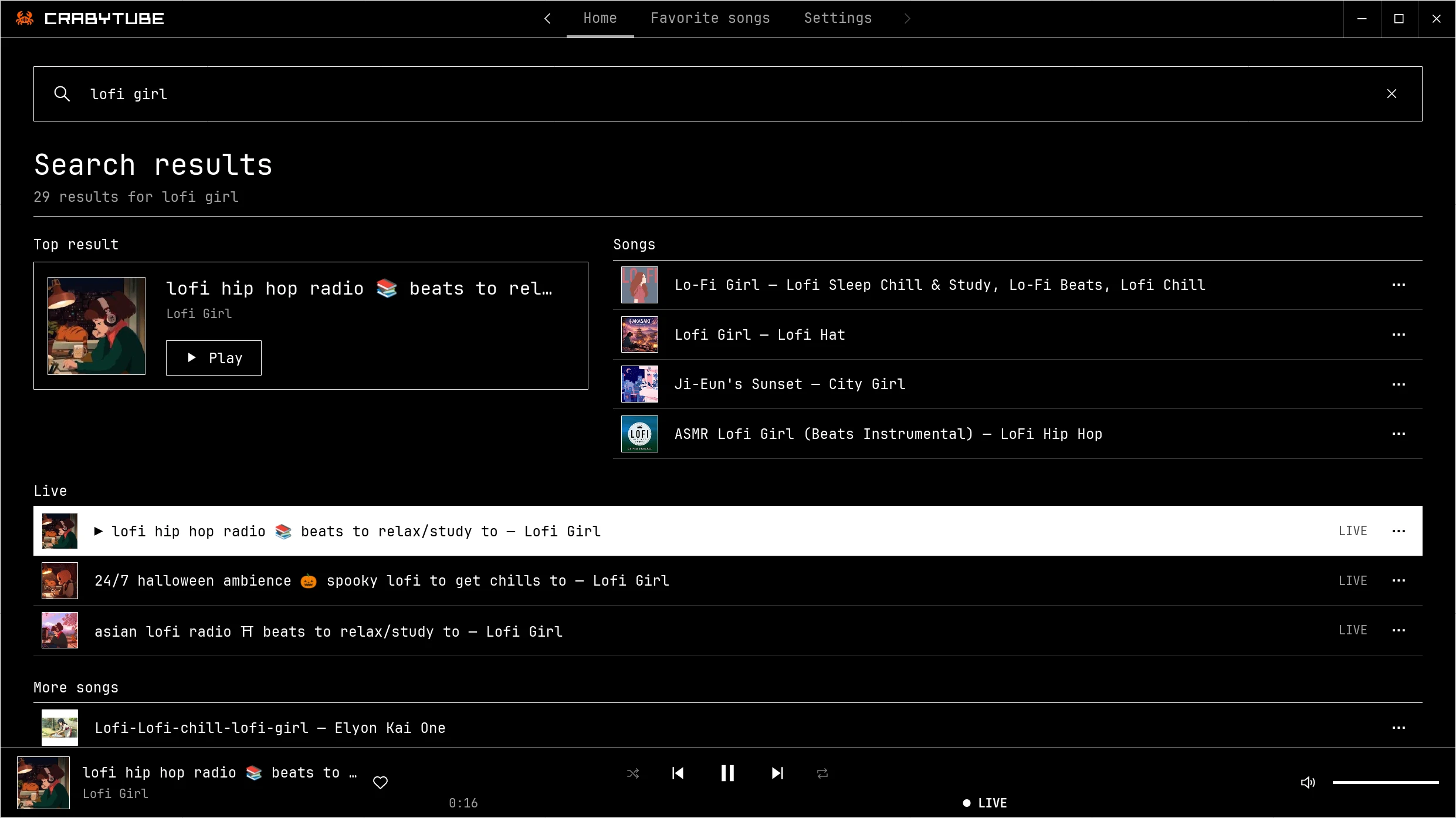
Built with Rust and Iced, not Electron. It opens fast, and the next track is ready before the current one ends.
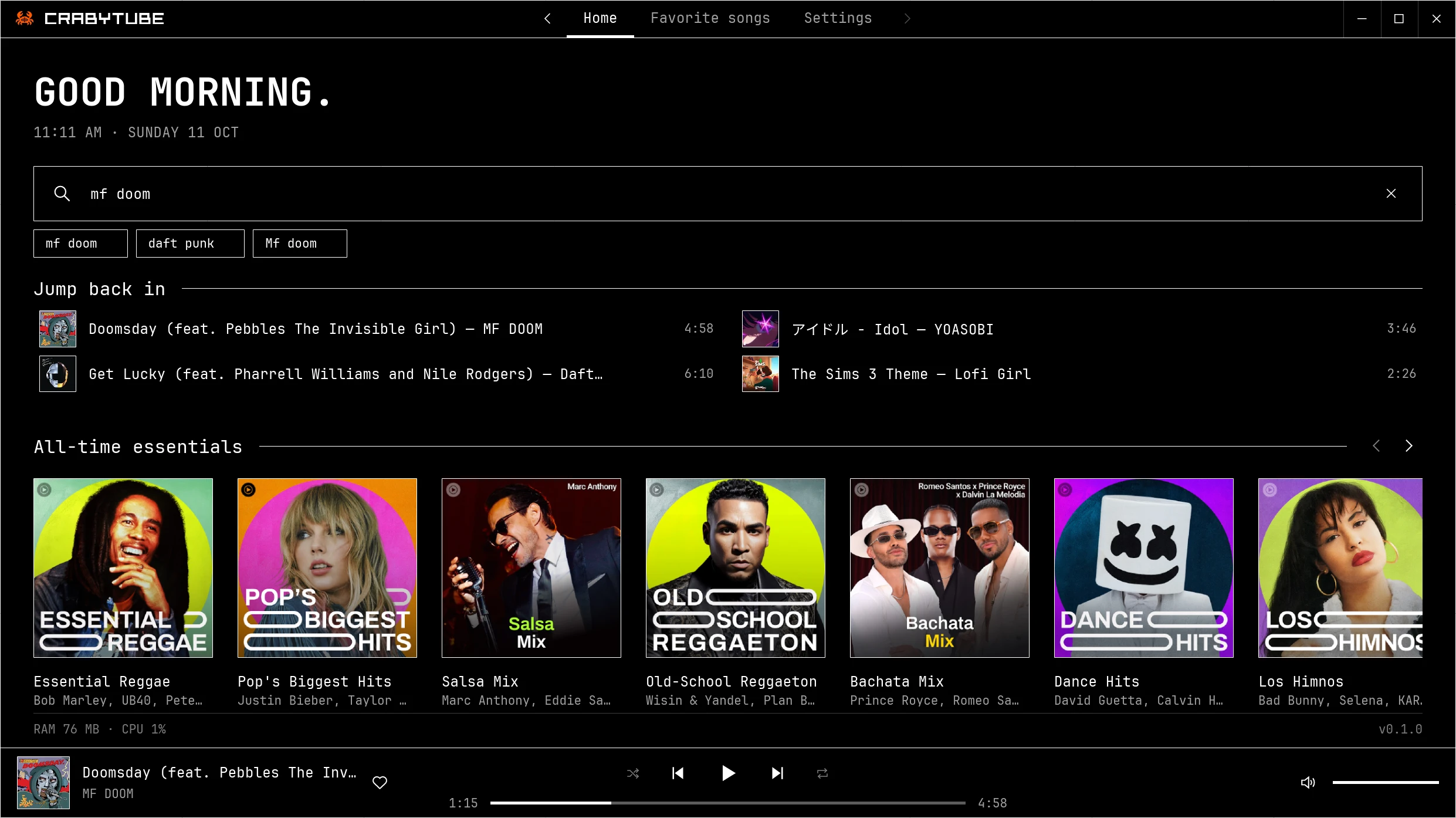
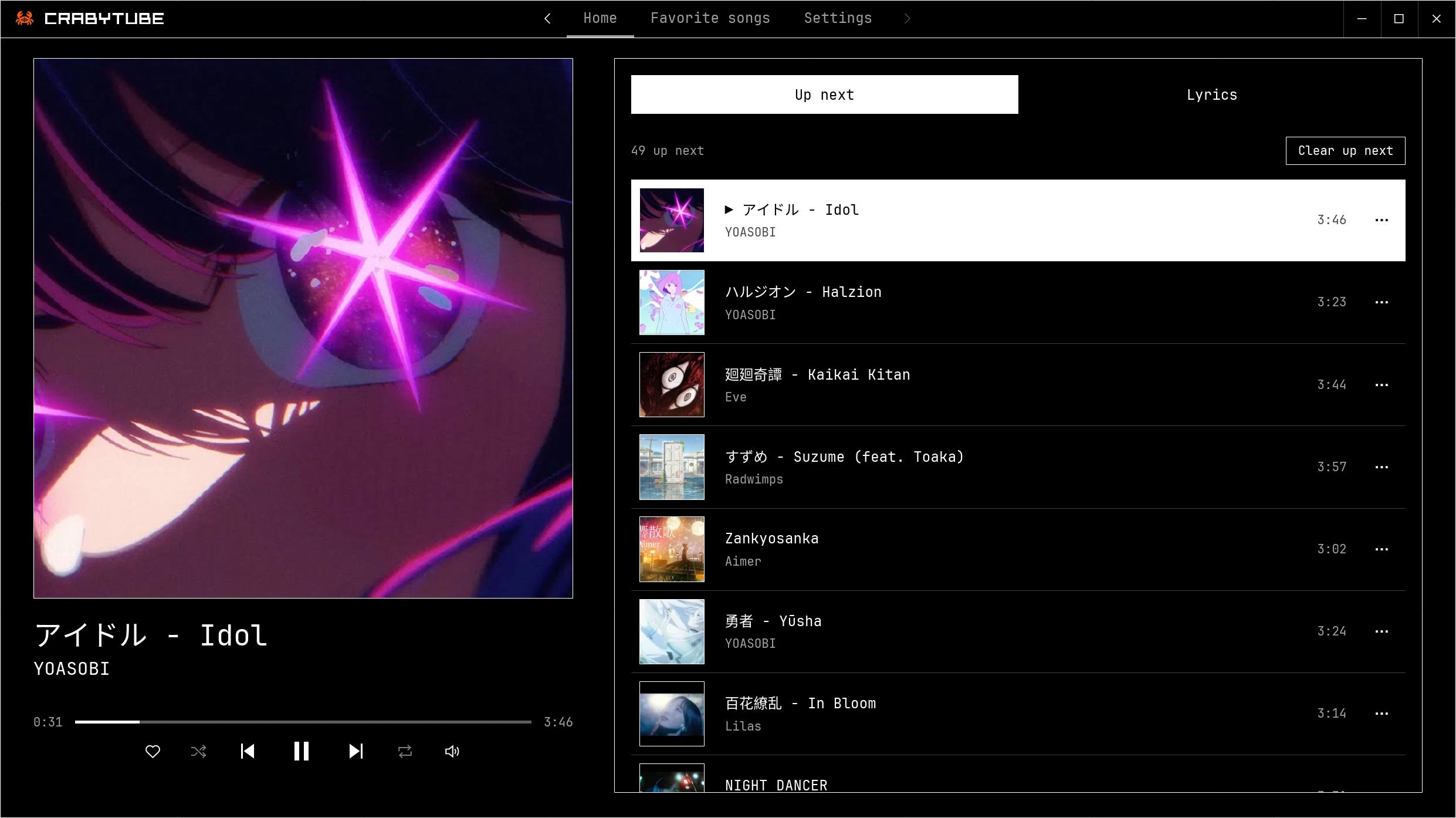
Line-by-line lyrics, plus word-by-word karaoke with translations for many popular songs, from two sources at once.
Plays YouTube Music anonymously. Your data stays on your device.
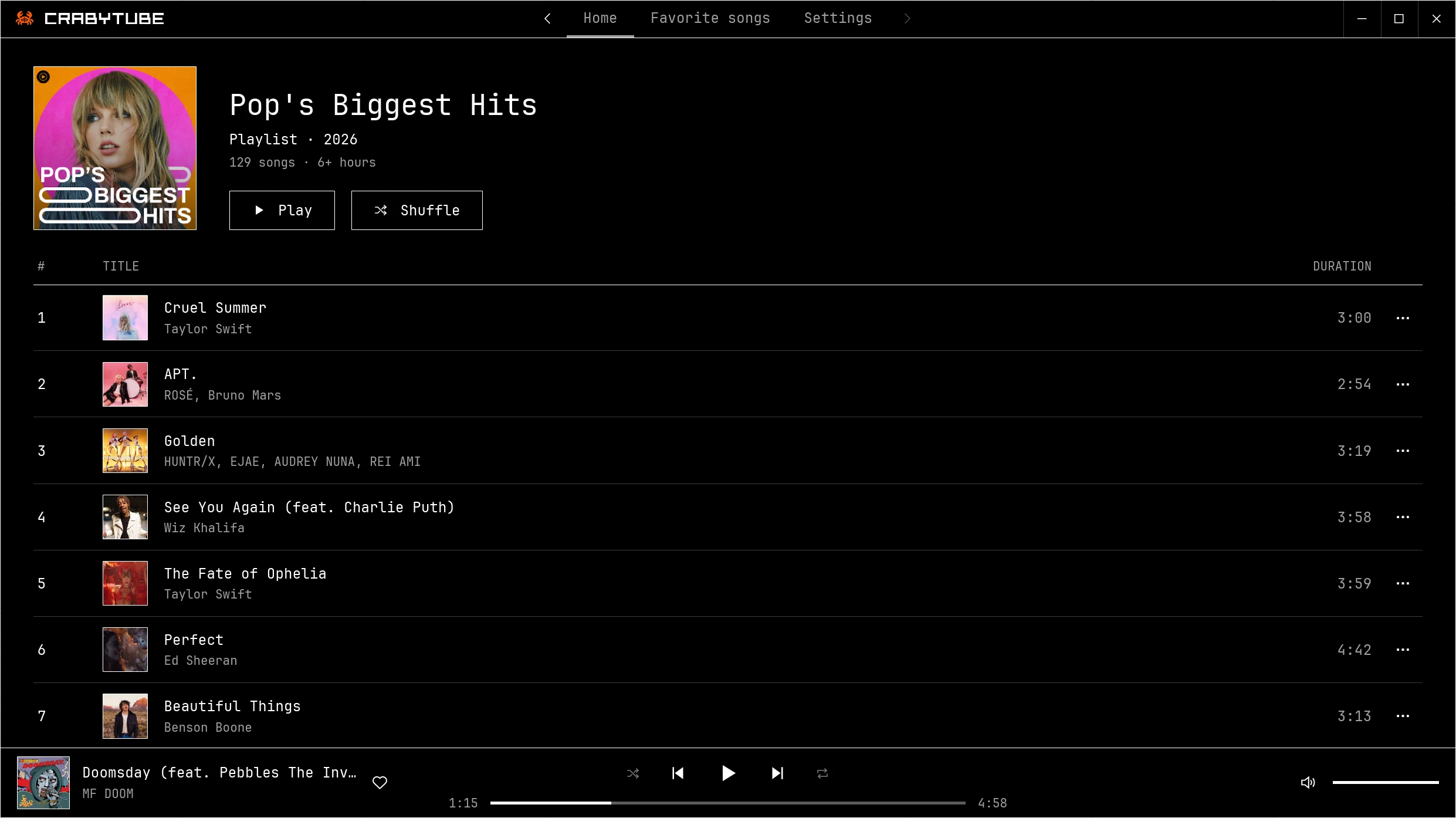
Pure black, monospaced type and crisp outlines. The layout scales from a phone-sized window to 4K.
02 / Screens
03 / Install
Each release on GitHub has the packages for every system. Nothing is signed with a paid certificate, so your system asks you to confirm the first start once.
CrabyTube.flatpak and install it for your user:flatpak install --user CrabyTube.flatpak.msi) and open it. If SmartScreen says "Windows protected your PC", click More info, then Run anyway..dmg), open it and drag CrabyTube to Applications. It runs natively on Apple Silicon and Intel.xattr -dr com.apple.quarantine /Applications/CrabyTube.appUpdates
On Windows and macOS, CrabyTube checks for a new version once a day and can install it for you with one click, after verifying its signature; you can turn the check off in Settings → Updates. The portable Windows zip opens the release page instead. On Linux, install the new .flatpak the same way. Your settings, favorites and history stay as they are.
04 / Privacy
CrabyTube only talks to the services it needs for the features you use. Nothing else leaves your computer.
Full privacy details05 / Open source
CrabyTube is free software under the GNU General Public License v3.0 or later. Read the code, build it from source, or help translate it into your language.
CrabyTube is an unofficial client. It is not affiliated with, endorsed by, or sponsored by Google or YouTube. YouTube and YouTube Music are trademarks of Google LLC. CrabyTube is intended for personal use and has no download feature.