Every device talks straight to the others
No accounts, no Fogata servers and no relays run by anyone else. When two friends can't reach each other, another member of the group may carry their traffic, still encrypted end to end.


Pre-release 0.1.0-beta.4
Your friends.
Nobody in between.
Text, voice and video for small groups of friends, peer to peer. No accounts. No servers. Just your friends.
Pre-release 0.1.0-beta.4 · Check your download first · SHA256SUMS · signature · release notes
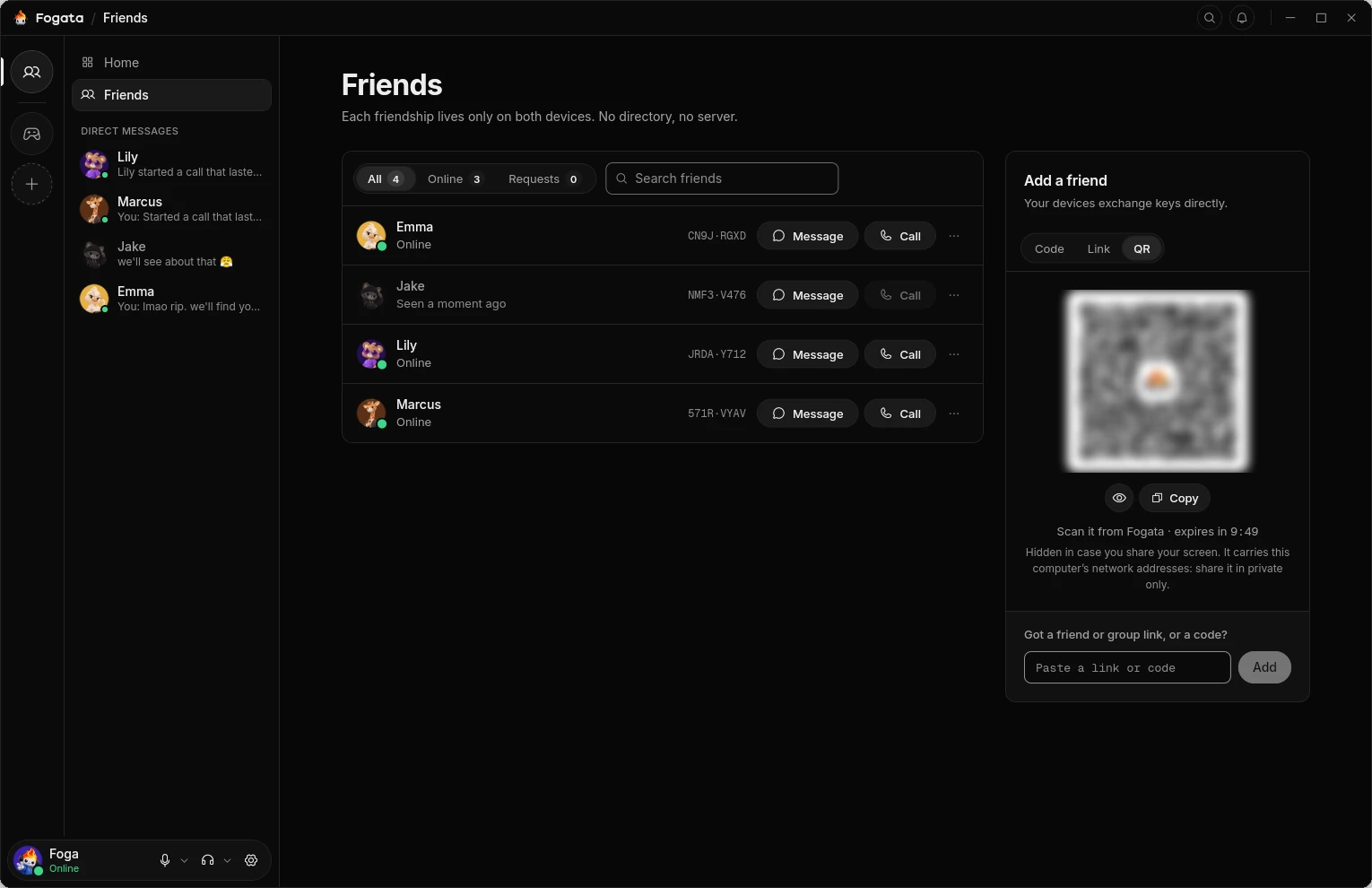
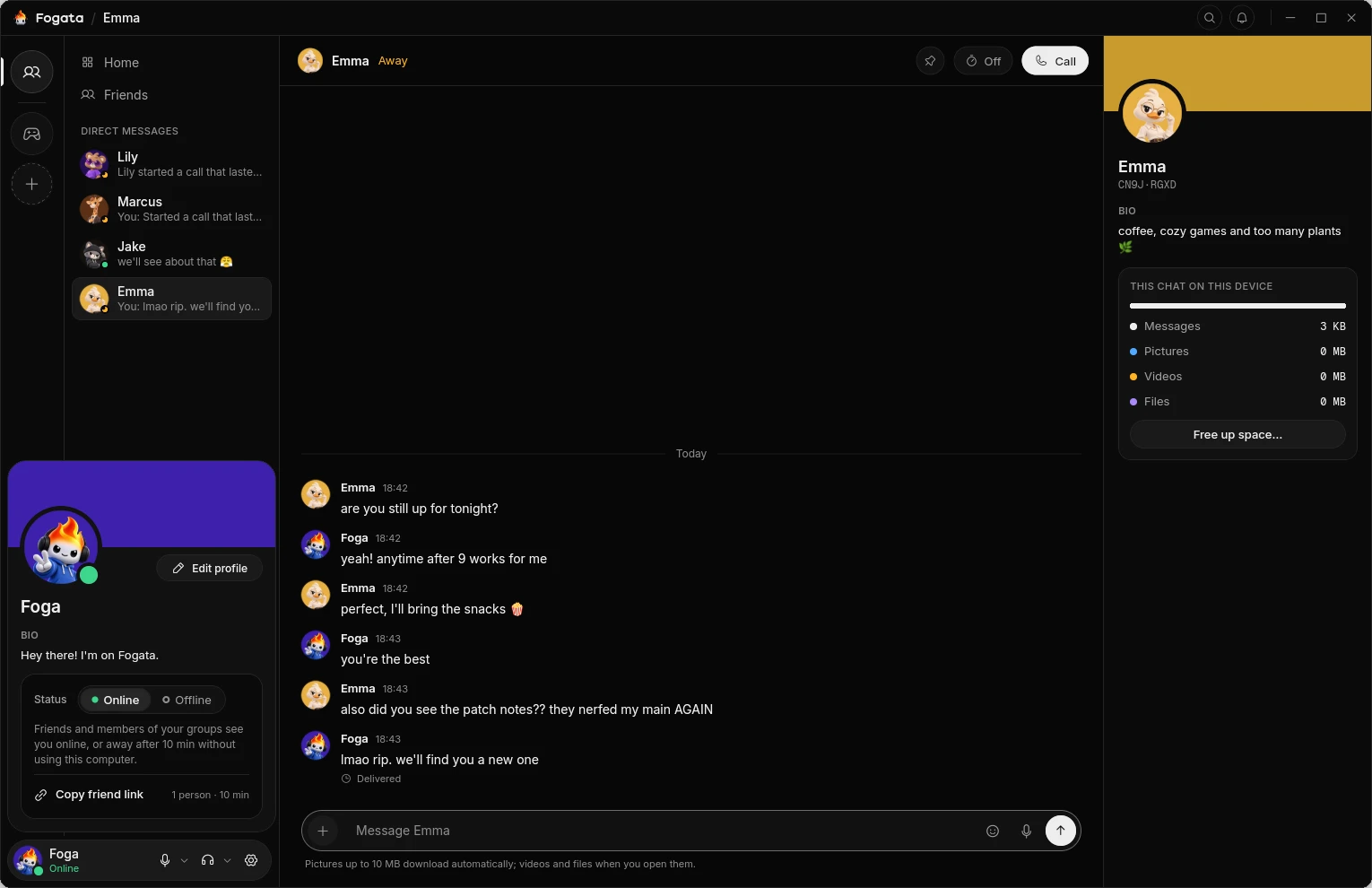
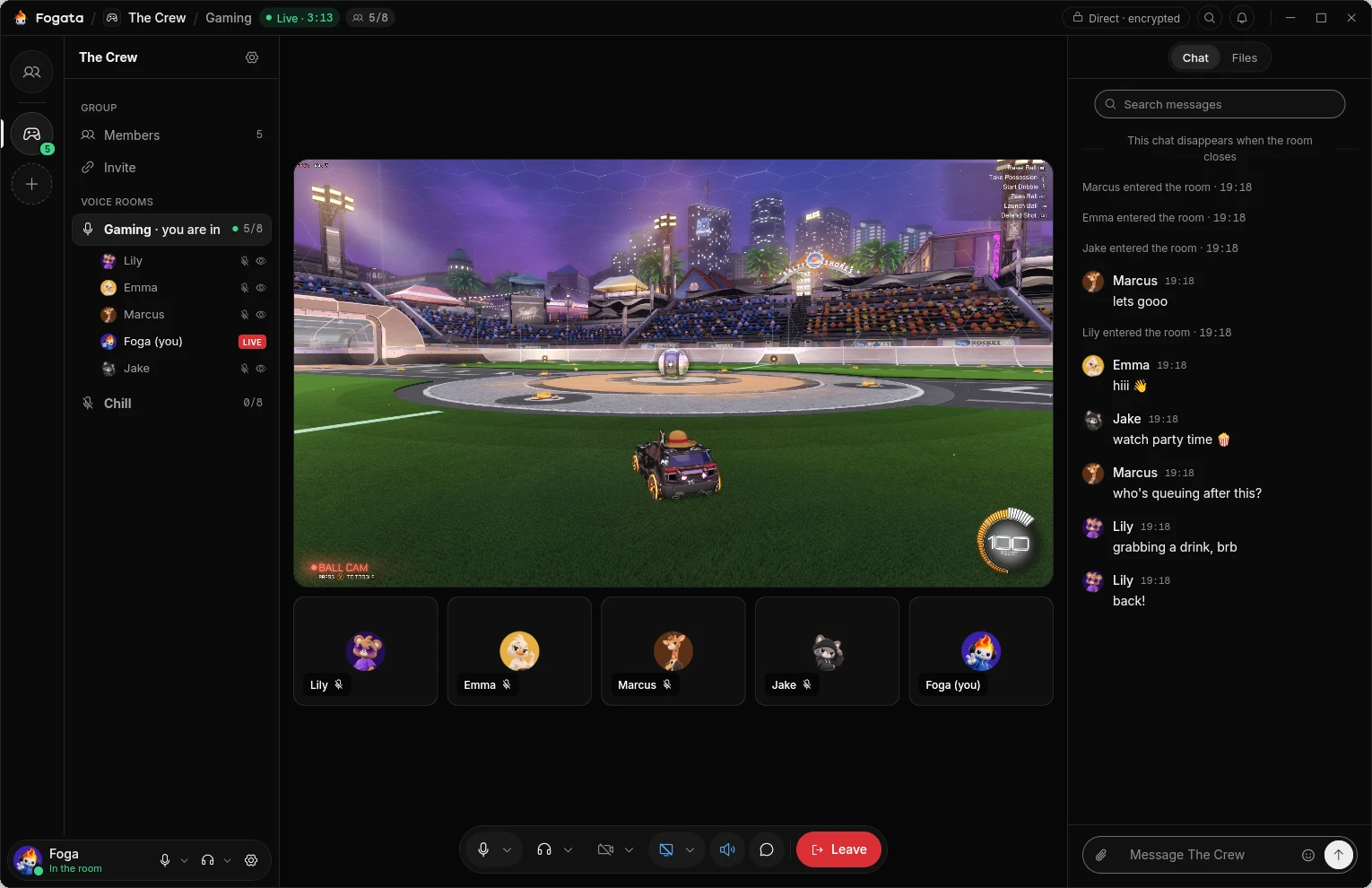
01 / Features
Chat, hang out in voice rooms, share a screen or call one friend. Everything travels from device to device, and nobody else keeps a copy.
No accounts, no Fogata servers and no relays run by anyone else. When two friends can't reach each other, another member of the group may carry their traffic, still encrypted end to end.
Everything a device says is signed by it and encrypted between devices. Friends compare a short code once, so each device knows the other's key.
Groups of up to 20 friends, with voice rooms for up to 8 that light up when someone comes in. Cameras, and screens shared with their sound.
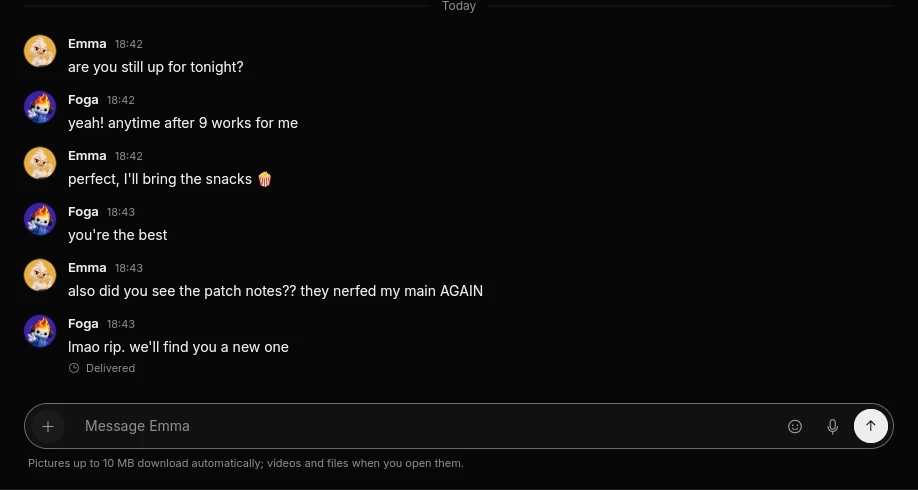
Message and call a friend, with pictures, voice messages and messages that disappear on a timer. Direct chats live only on the two devices, encrypted on disk.
Share files in a room or a chat, sent straight from one device to the other and checked on arrival.
Linux, macOS and Windows, a tray icon, light and dark looks, and nine languages.
02 / How it works
There is no Fogata server to sign up to, to hold your contacts or to carry your calls. Your devices do all of it themselves.
Share a one-time link, code or QR code, then compare a short fingerprint. Now each device knows the other's key.
A group is a signed list of its members that every member keeps. Nobody else holds it.
Devices look each other up in the public IPFS distributed hash table, used only as a phone book.
Then they connect straight to each other, also through home routers. If two can't, another member of the group may carry their traffic, encrypted end to end.
03 / Screens
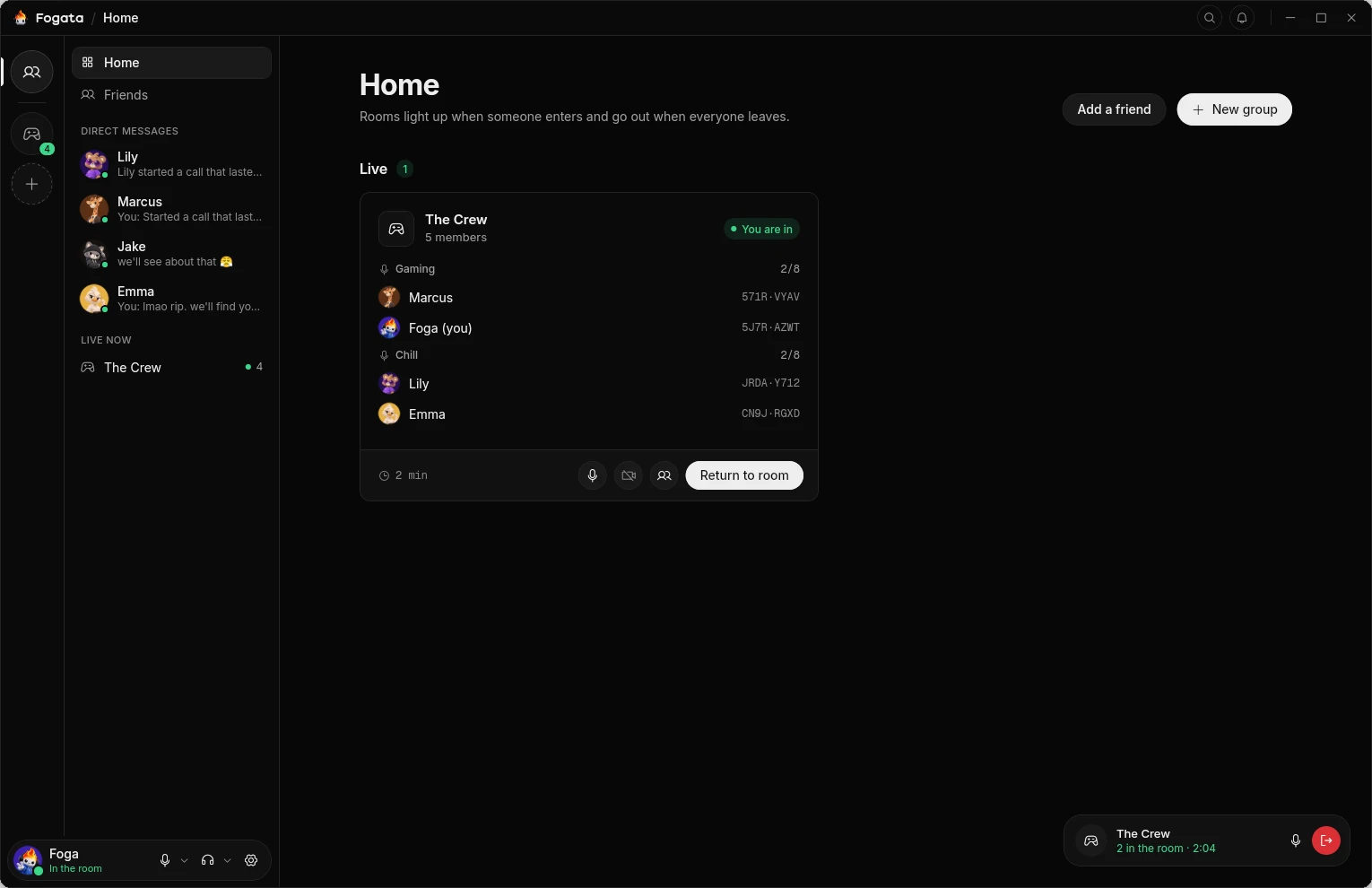
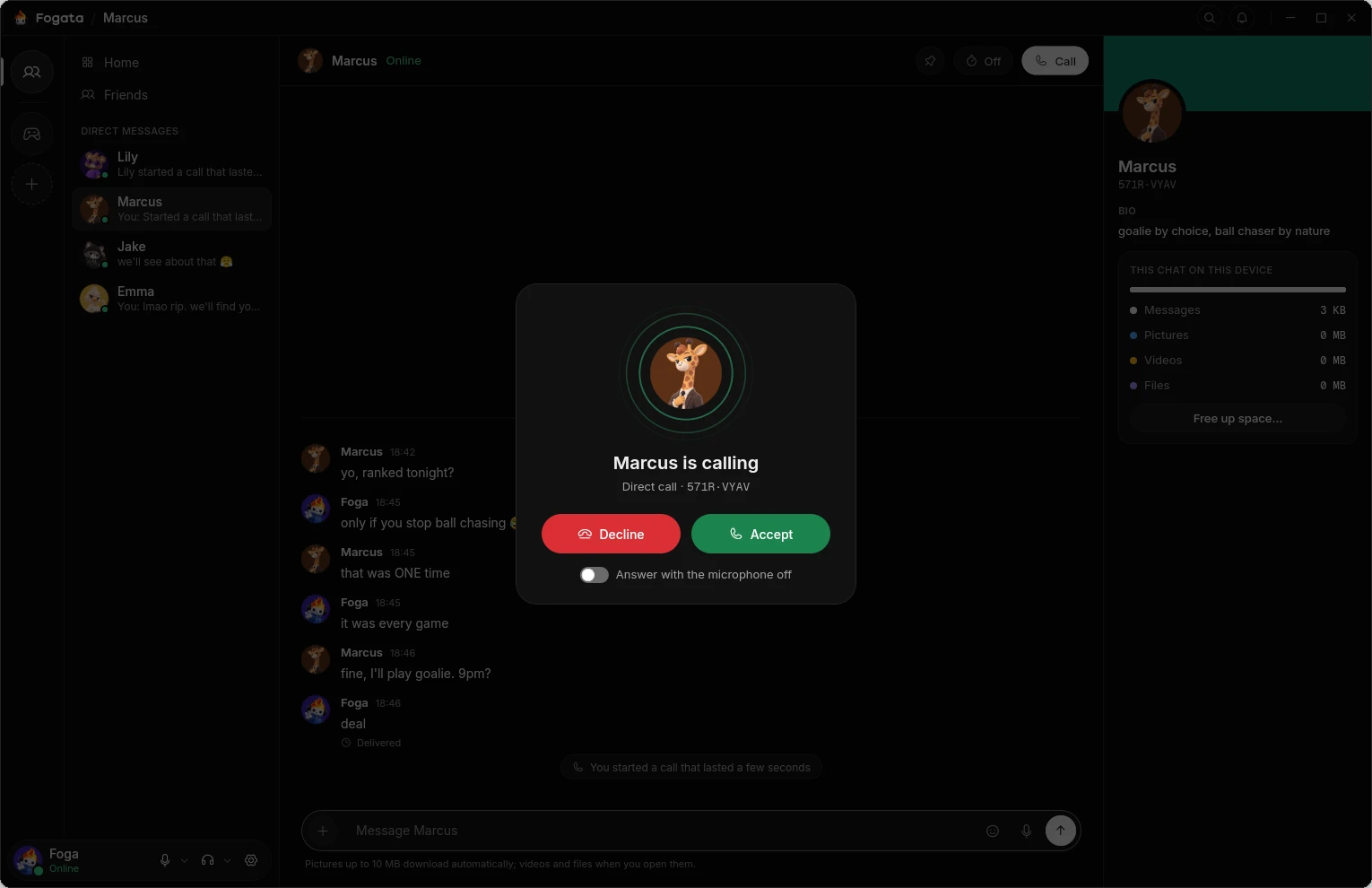
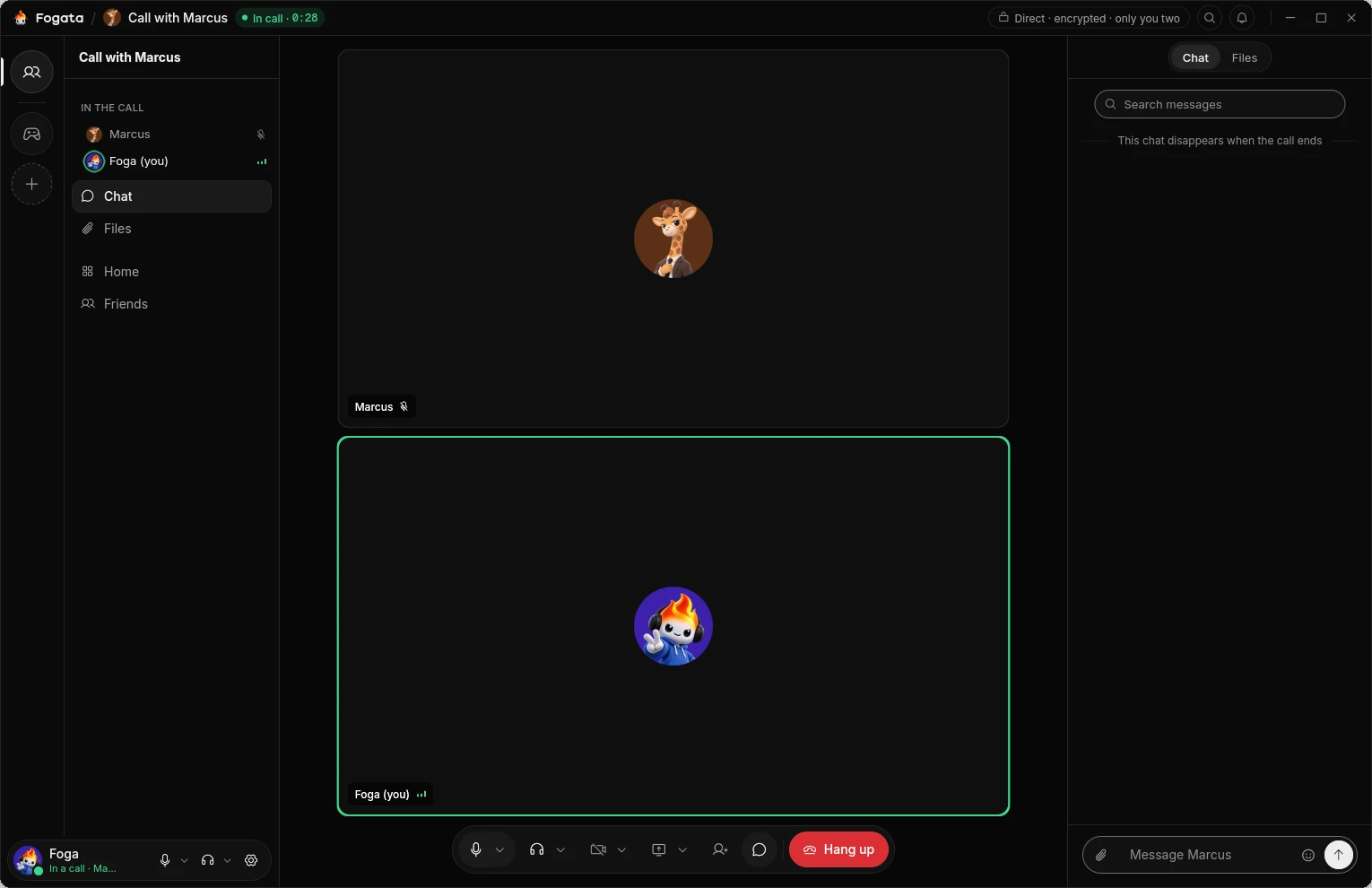
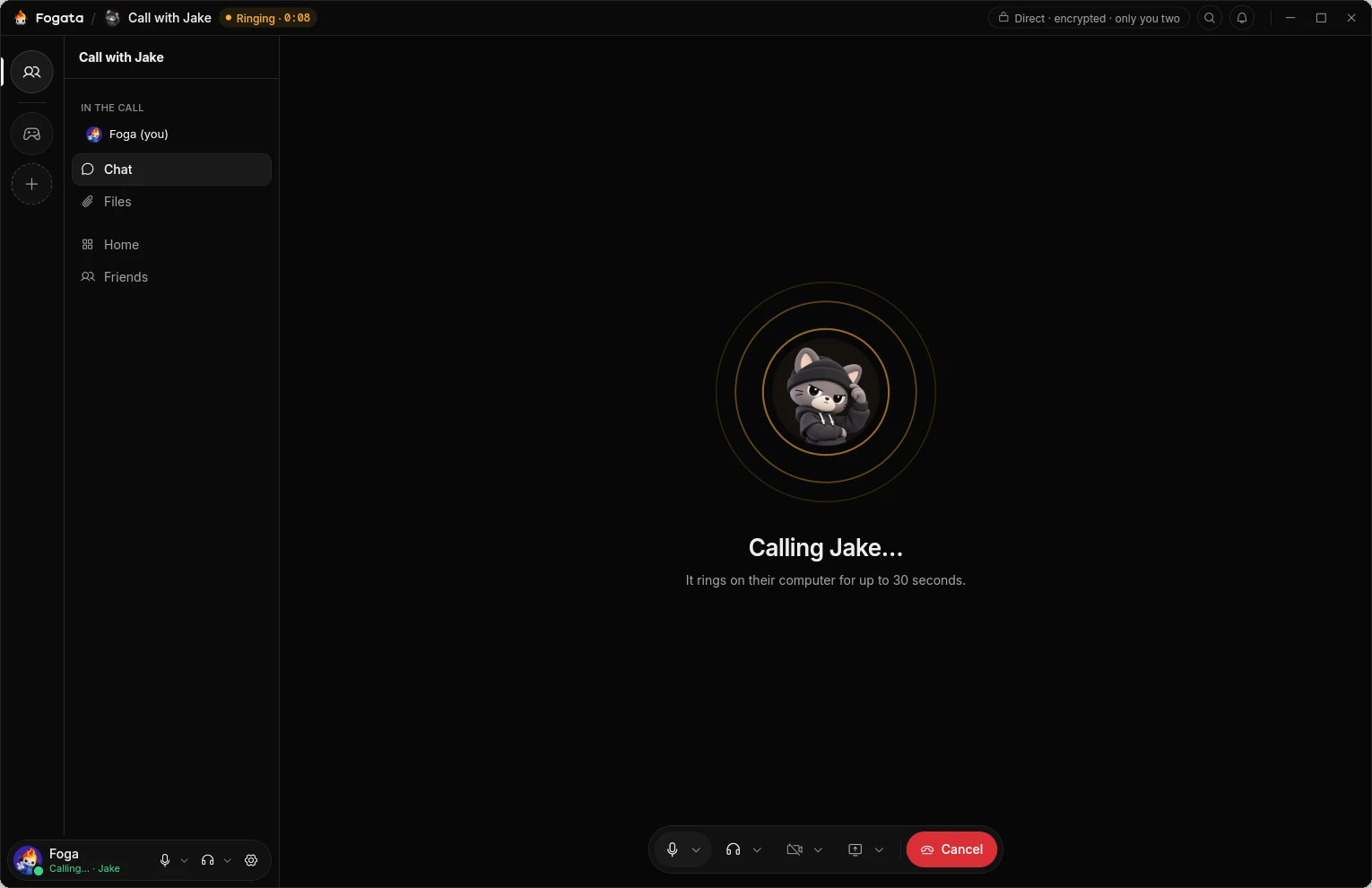
04 / Install
Each release on GitHub has the files for every system. Nothing is signed with a paid certificate, so check your download first and your system asks you to confirm the first start once.
Fogata-0.1.0-beta.4-linux.flatpak and, in a terminal in its folder, run:flatpak install --user Fogata-0.1.0-beta.4-linux.flatpakFogata-0.1.0-beta.4-windows-x64.zip (right click, Extract All), open the folder and double-click Install Fogata.Fogata-0.1.0-beta.4-macos-arm64.zip and drag Fogata to Applications.Before you open it
Without a paid certificate, the checksum is what shows a file is the one holypanda.dev made. The list of checksums, SHA256SUMS, is signed with Fogata's pre-release key. Save tools/allowed_signers from the source code next to it, not from where you downloaded the files, and check the list:
ssh-keygen -Y verify -f allowed_signers -I fogata-prerelease -n file -s SHA256SUMS.sig < SHA256SUMSIt must say Good "file" signature for fogata-prerelease. Then work out your file's checksum yourself and compare it with its line in SHA256SUMS:
Get-FileHash .\Fogata-0.1.0-beta.4-windows-x64.zipshasum -a 256 Fogata-0.1.0-beta.4-macos-arm64.zipsha256sum Fogata-0.1.0-beta.4-linux.flatpakIf the signature isn't good or the checksum differs, don't open the file and write to [email protected].
Updates
Fogata keeps itself up to date. At every start it looks for a new version on its releases page and among your friends, and installs it before it opens; one that arrives while it runs waits for a restart. It takes only versions signed with the holypanda.dev release key and checks every byte. Your profile, friends, groups and chats stay as they are.
Early days
This is a pre-release: things will go wrong now and then. Settings → Report a problem shows you the whole report before you send it.
05 / Privacy
Messages, calls and files go from device to device. There is nobody in the middle to collect them, and nothing to sign up for.
Full privacy details06 / Open source

Fogata is free software under the GNU Affero General Public License v3.0. Read the code, build it from source, or help translate it into your language.